

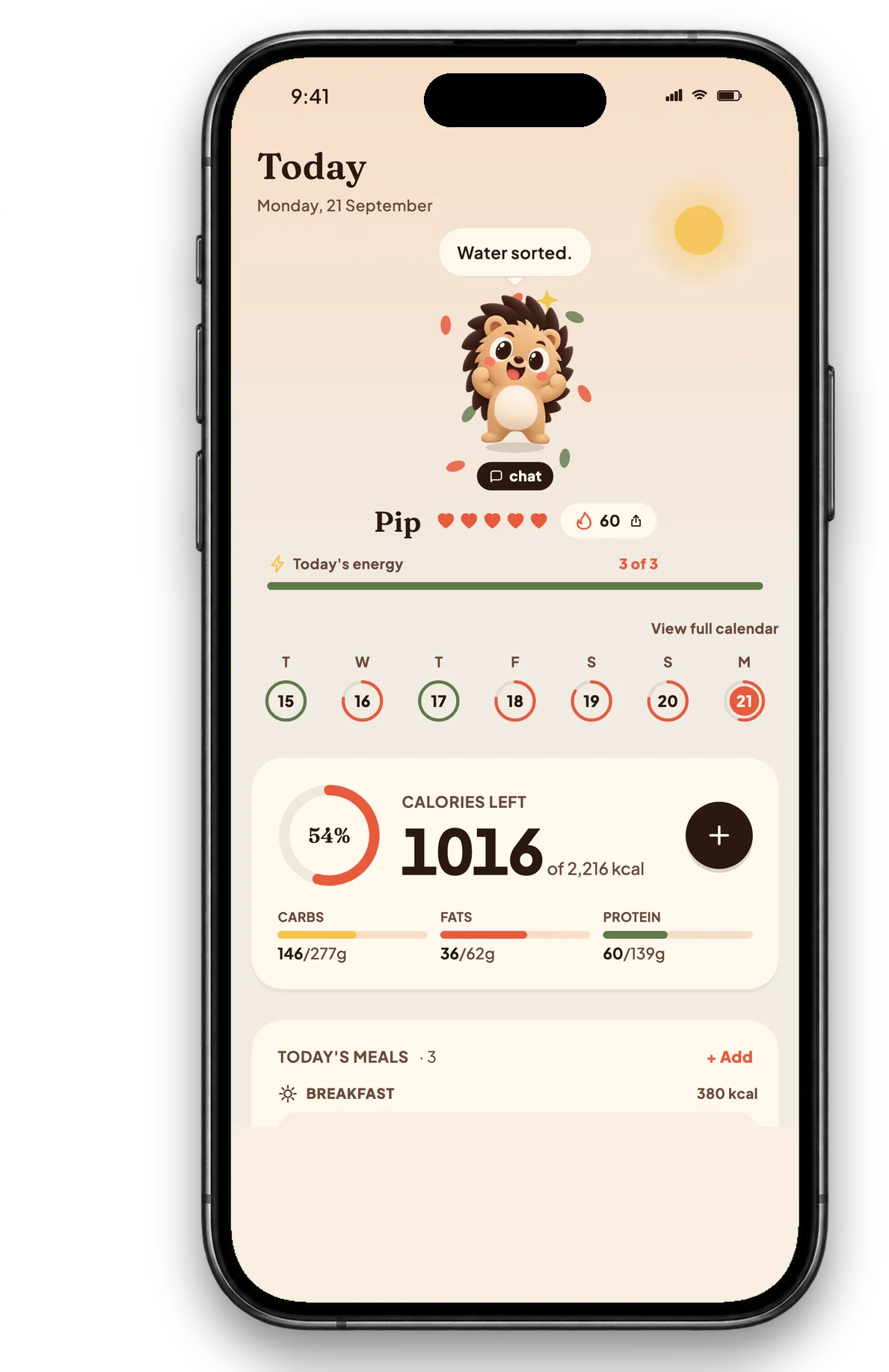
Calorie intake388 kcal 🎉
1,612 / 2000
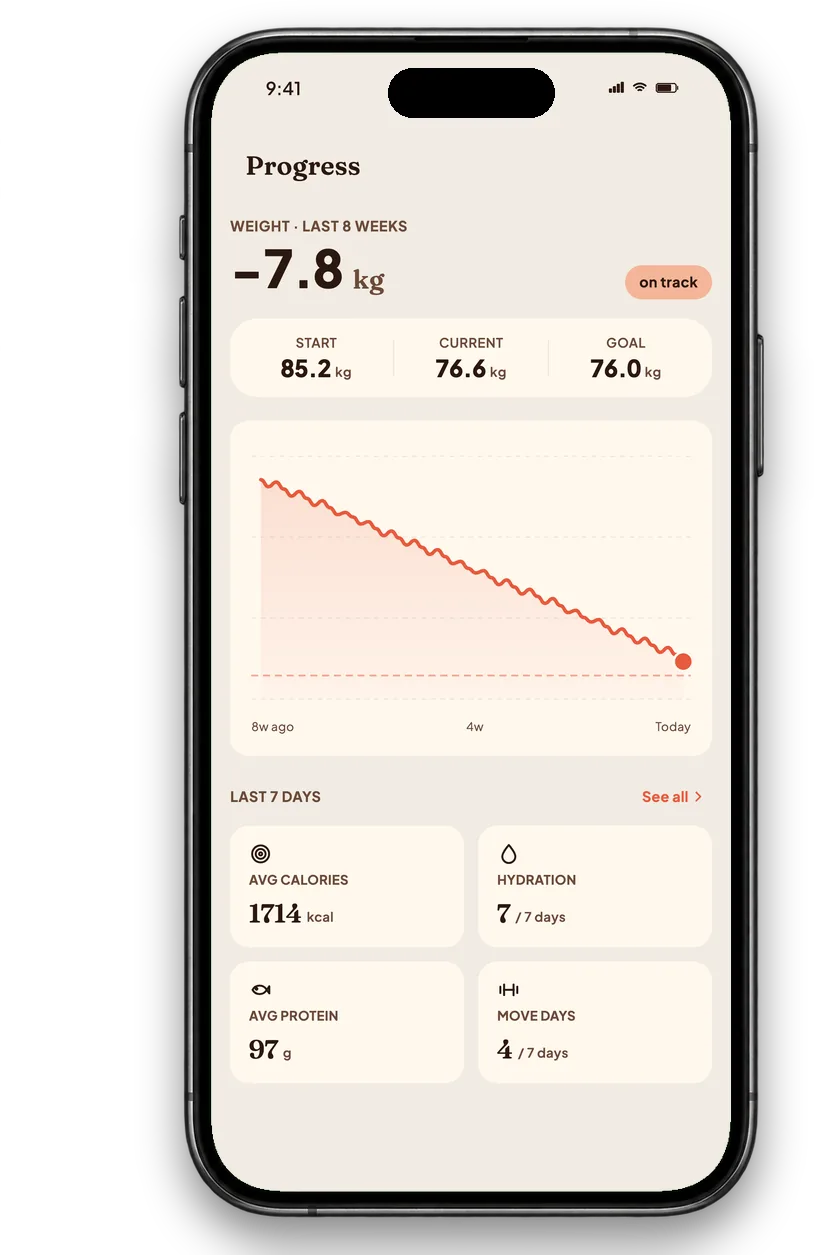
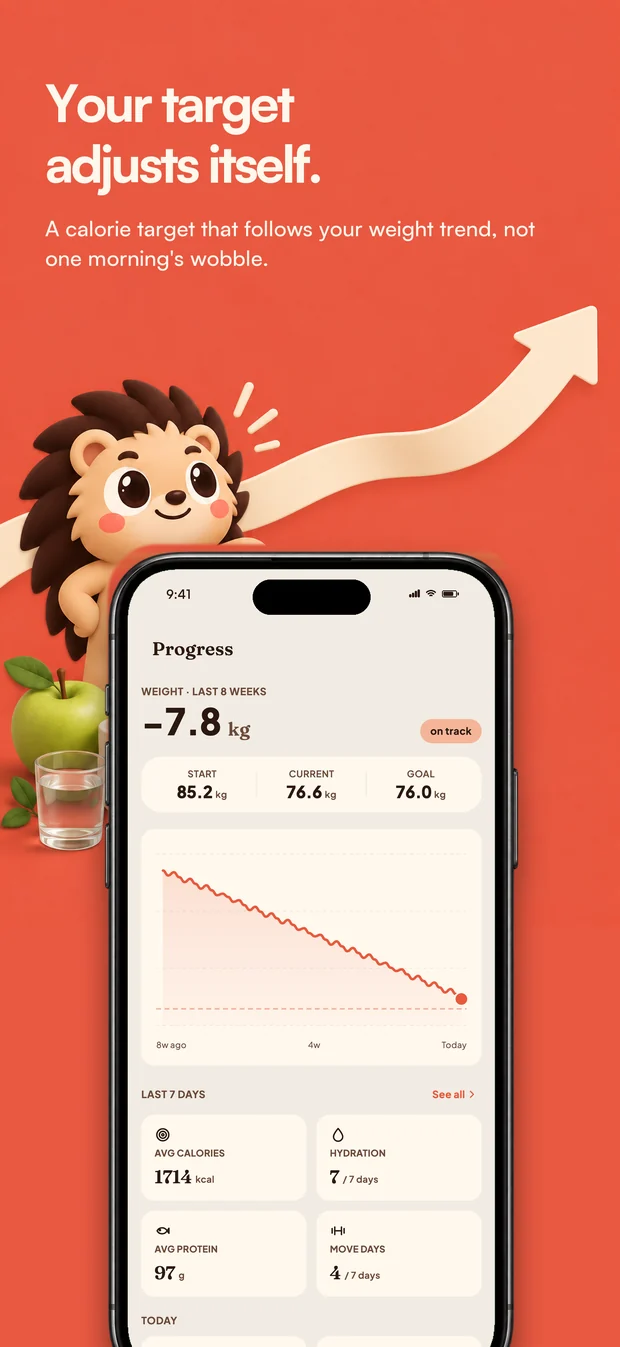
Track your progress
Adaptive targets and weight trends help you see how your daily habits add up.
 Free to start. iPhone & Android.
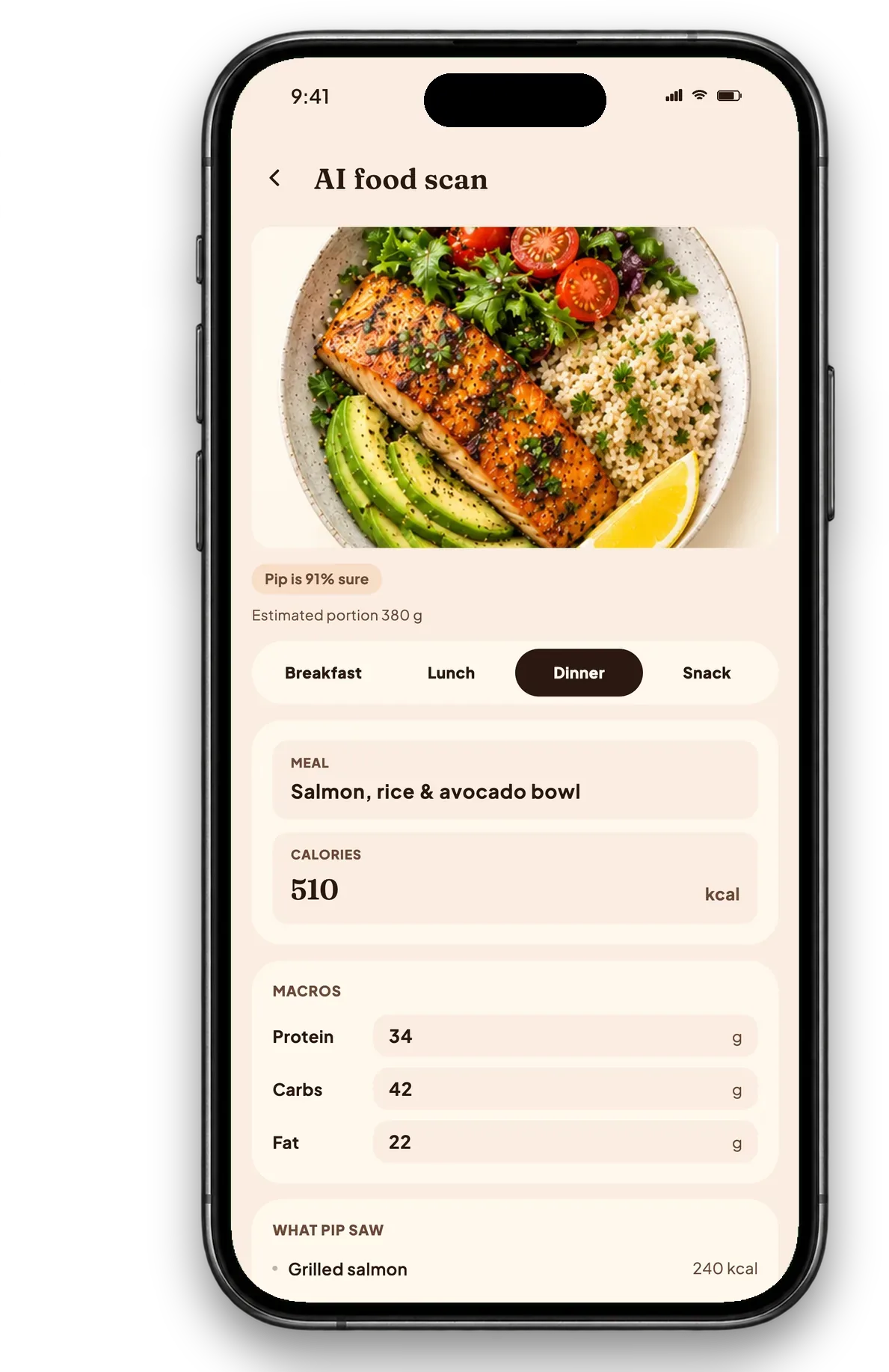
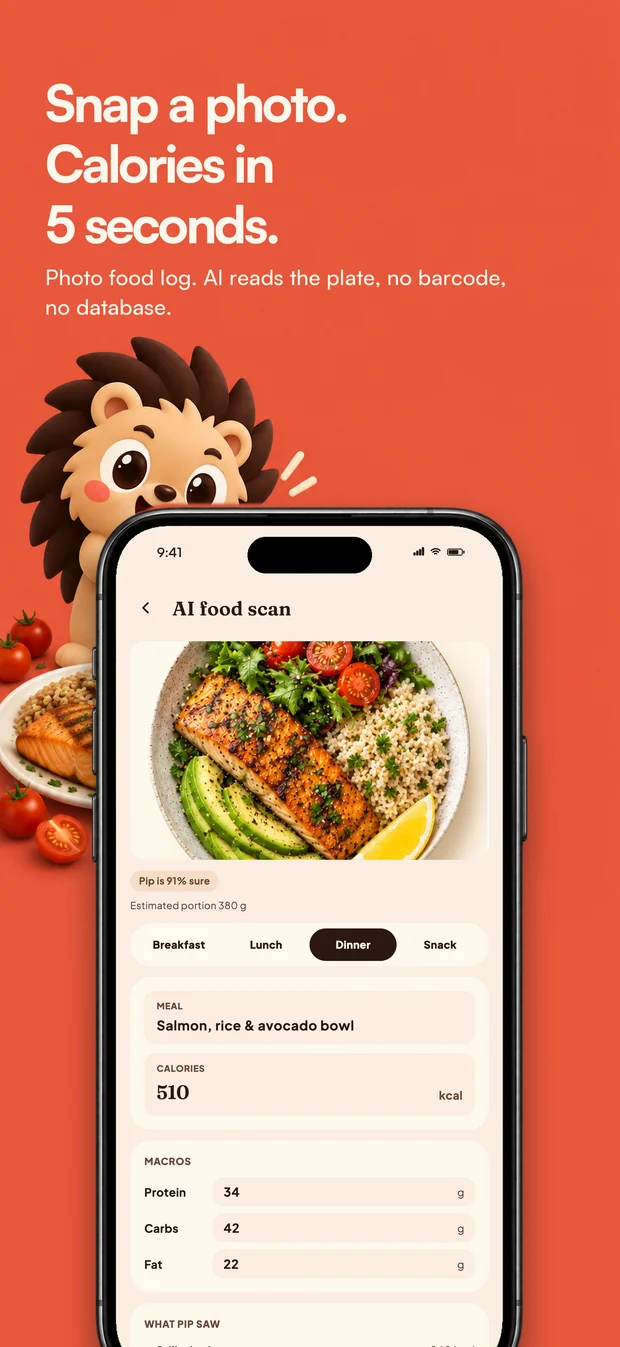
Snap a photo and get your calories and macros
in about five seconds. Let Pip keep you going.




ⓘ Hover or tap to explore
Get to know every bite. Calfit estimates calories,
protein, carbs and fat from a single photo.
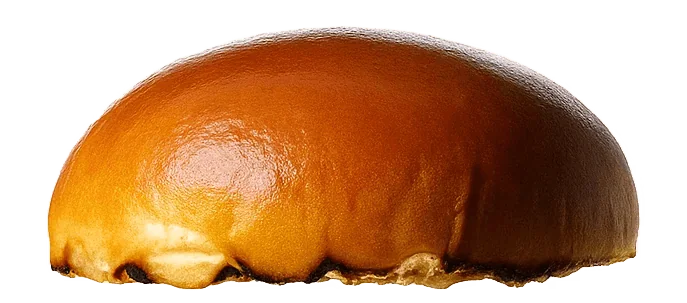 75 kcal
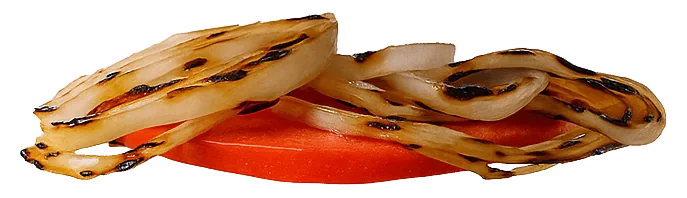 12 kcal
 250 kcal
 1 kcal
 75 kcal
Illustrative breakdown · Actual portions vary
Track. Snap. Repeat. Your everyday habits,
all together in one easy app.
Adaptive targets and weight trends help you see how your daily habits add up.
 +2
+2
Meals, macros and daily targets in one diary. Log offline and sync when you reconnect.
Lettuce tomato salad100 kcal→
Pepperoni pizza225 kcal→
Cheese sandwich276 kcal→
Salmon208 kcal→
No matching foods in this preview.
Take a photo or search for your food. Correct any estimate before it goes in your diary.
Fasting, water and workouts live beside your meals and feed the same daily streak.
Ask what to eat for the calories you have left.
Get an answer that fits your own day.

Let’s start with your calories left and protein goal. A salmon bowl could be a good fit.
Snap your meals, keep your streak,
and watch your progress with Pip.

Honestly
If a big-name tracker wore you out, it helps to know exactly what changes.
| Logging a meal | Typical calorie app | Calfit |
|---|---|---|
| Getting food in | Search, pick from forty near-identical entries, guess the portion | Photograph the plate, or search if you'd rather |
| When the estimate is wrong | You find out later, or never | Confidence shown before it saves, corrected in one tap |
| Your daily target | Set once at signup | Recalculated as your weight moves |
| Fasting & water | Usually a second app | In the same day, same streak |
| When you get stuck | A help article | Ask Pip, against your own numbers |
| On a plane or with no signal | Often read-only | Logs offline, syncs when you reconnect |
Start free. Get more from Pip when you’re ready.
No card needed to get started.
Everything you need to start.
Billed yearly at $30.
Calfit+, a month at a time.
USD pricing. Yearly plan is $29.99 on the App Store. Subscriptions renew automatically until cancelled in your store settings. Local prices may vary. Read the terms of use and the privacy policy.
Start with your numbers. Let Calfit handle the everyday.
Your resting rate, your maintenance and a daily target, with the weekly weight change each one implies.
Try it free →What you burn in a day, with every activity level side by side so you can see what picking the wrong one costs.
Try it free →Protein, carbs and fat in grams, split out of your calorie target rather than from a percentage someone made up.
Try it free →Short, practical guides to making your healthy habits stick.

Photograph your plate, get calories and macros back in seconds. Here is what is happening under the hood, where photo scanning shines, and where you should double-check it.
Read guide →
Eight features, each shown as the real screen rather than described. A photo food scanner with a confidence figure, a macro tracker, a food diary, a self updating target, a weight trend, a fasting timer, water and carbs.
Read guide →
Keto, fasting, paleo, points: every diet that has ever worked, worked through the same door. Understand the door and you stop needing the gimmicks.
Read guide →Good questions deserve useful answers.
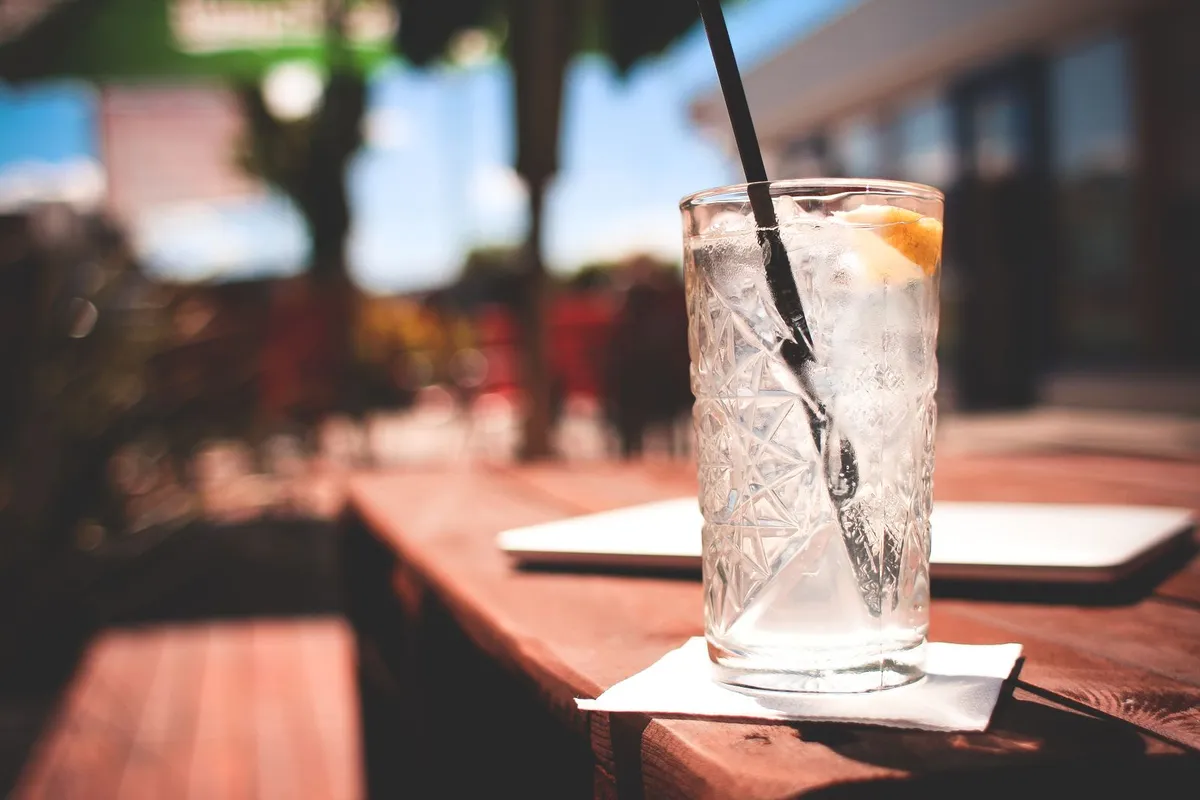
A standard gin and tonic is about 150 calories. The gin is fixed at roughly 97; the tonic is the part quietly adding sugar, and the part you can cut for free. Here is the full ledger, single to double.
Read article →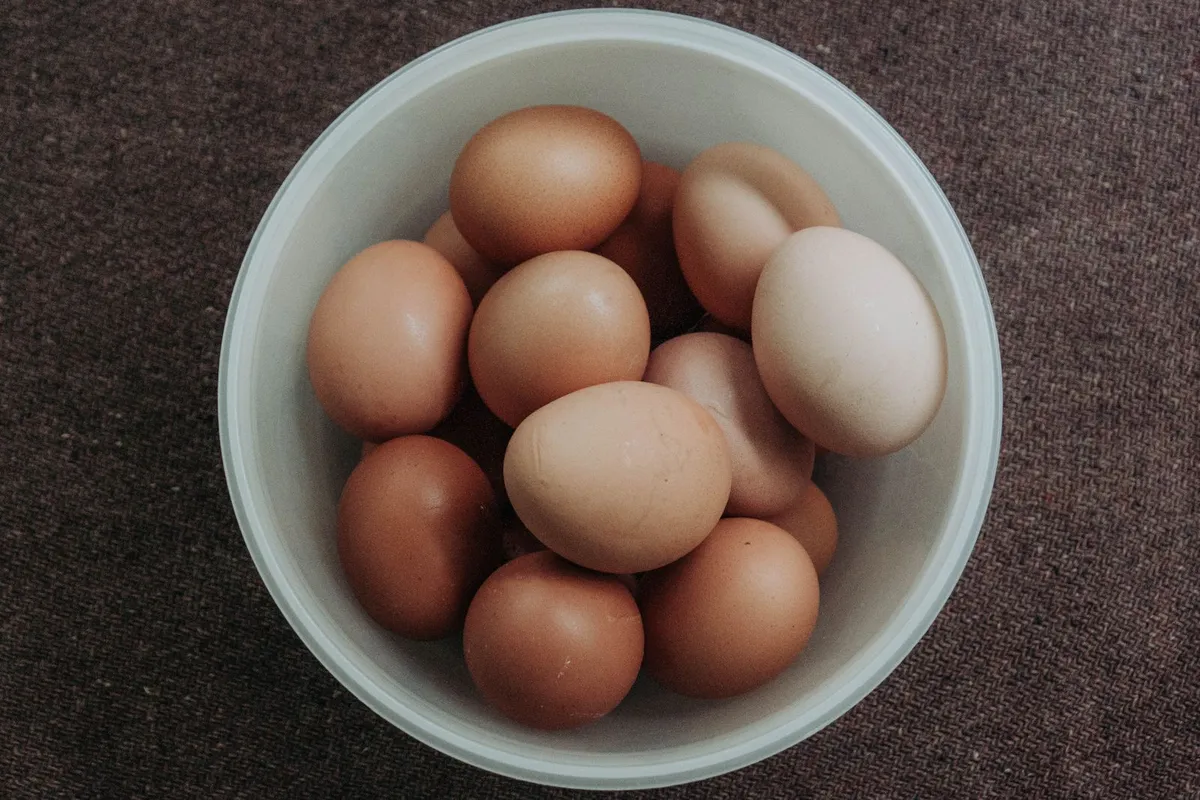
A large egg is about 72 calories, until the butter gets involved. Here's the full egg ledger, boiled to benedict, and why the egg is still the best deal in the fridge.
Read article →
Calfit shows carbohydrate in grams for every food, meal and day, and keeps the history. It gives no insulin or blood glucose guidance, and a photo estimate is not accurate enough to dose from. Here is exactly what it does and where the limits are.
Read article →A few things you might be wondering.
 👑
Your next healthy habit starts here
👑
Your next healthy habit starts here
Snap a photo, let Calfit do the maths,
and let Pip keep the streak going.